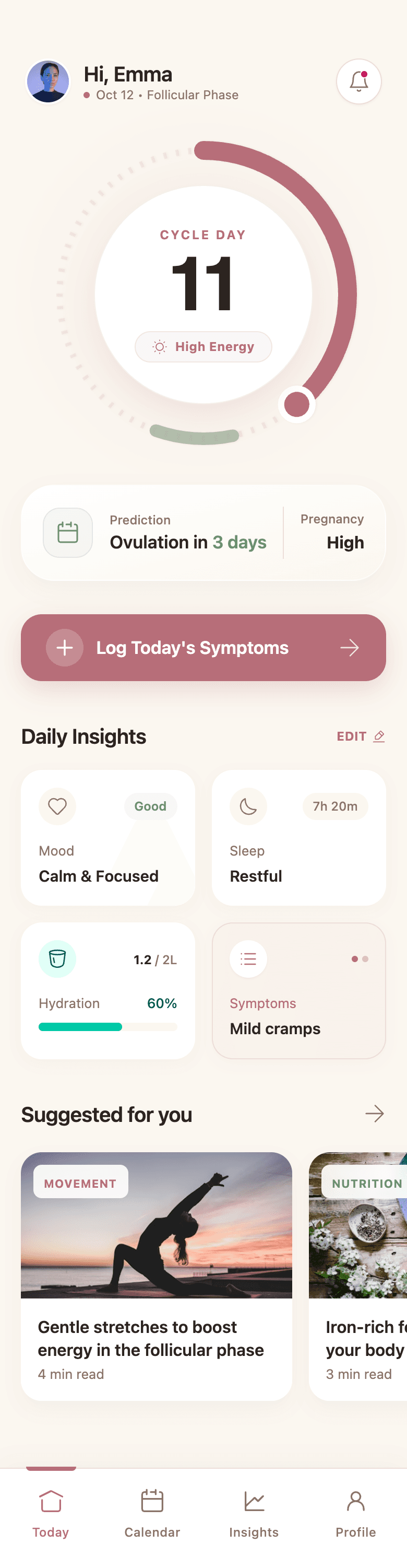
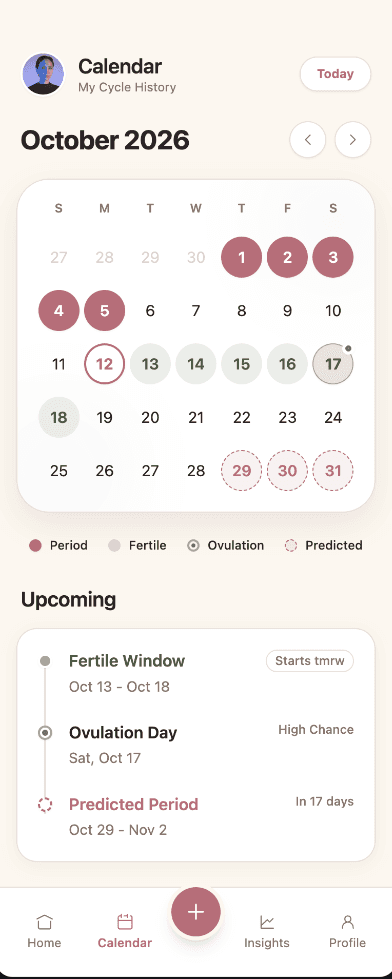
Information hierarchy first
KPI cards, charts, and tables are arranged by what users need to see first, not just packed into a grid.
AI dashboard design generator
Describe your product and its data. Wirefraime designs the dashboard, plus the list, detail, and settings screens that sit next to it, with consistent navigation, components, and states.
Plans from $3/mo billed annually · Cancel any time
The short answer
It creates the interface for data-heavy products (SaaS apps, admin panels, analytics tools, internal tools) from a description. A good dashboard design isn't just a grid of charts: it needs clear hierarchy, sensible navigation, tables that scale, and empty and loading states. Wirefraime plans those screens together and designs them on one system, then lets you export production-style HTML and Tailwind or a full Next.js project.
Why teams use it
KPI cards, charts, and tables are arranged by what users need to see first, not just packed into a grid.
Get the records list, detail view, settings, and onboarding that make the dashboard a real product.
Sidebar, tables, filters, and buttons share one design system, so adding screens later stays on-brand.
Hand developers clean, semantic markup they can connect to real data instead of rebuilding from a picture.
How it works
Who uses it, which metrics matter, and what actions they take. For example: an analytics SaaS for e-commerce teams.
Wirefraime designs the dashboard and related screens at desktop width on a shared canvas.
Tune charts, columns, and copy by clicking or chatting, then export the code.
Common questions about designing with Wirefraime.
They're real HTML and Tailwind markup with realistic sample data. Wire them to your data source and charting library during implementation.
Yes. Describe the entities and actions (users, orders, approvals, and so on) and Wirefraime designs list, detail, and edit screens around them.
Yes. Describe your colors and type, or attach a screenshot of your current product as a reference image.
Yes. Ask for a dark theme in your prompt, or switch the design system during refinement.
Starter is $5 month-to-month or $3/mo billed annually, with 7 screens per month. Pro is $20 month-to-month or $12/mo billed annually, with 40 screens per month. Ultra is $40 month-to-month or $24/mo billed annually, with 100 screens per month.
Start with a prompt, review the full flow, refine the details, and export when the design is ready.