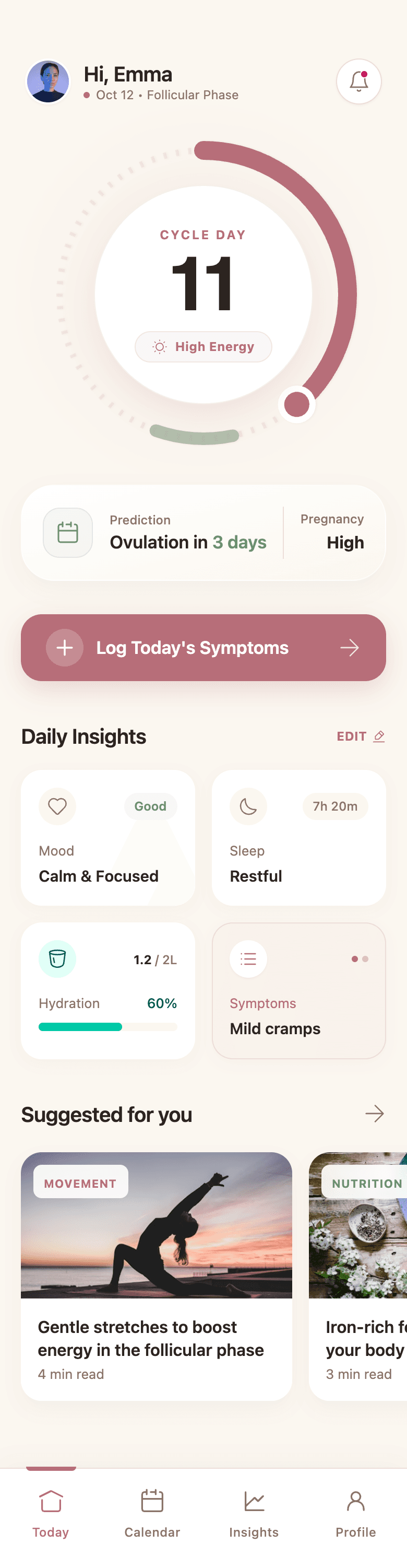
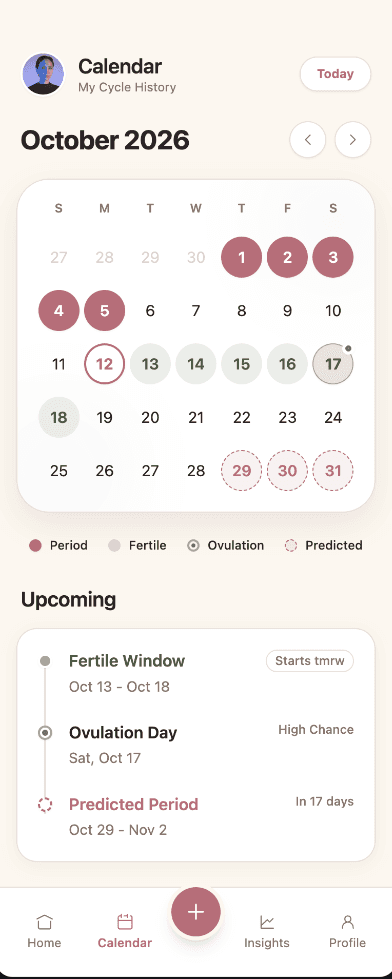
Realistic, not lorem ipsum
Screens use plausible content, data, and states, so stakeholders react to the product rather than placeholder boxes.
AI mockup generator
Wirefraime turns a product description into realistic, editable mockups with real copy, real components, and a consistent style across every screen, so you can show the idea instead of explaining it.
Plans from $3/mo billed annually · Cancel any time
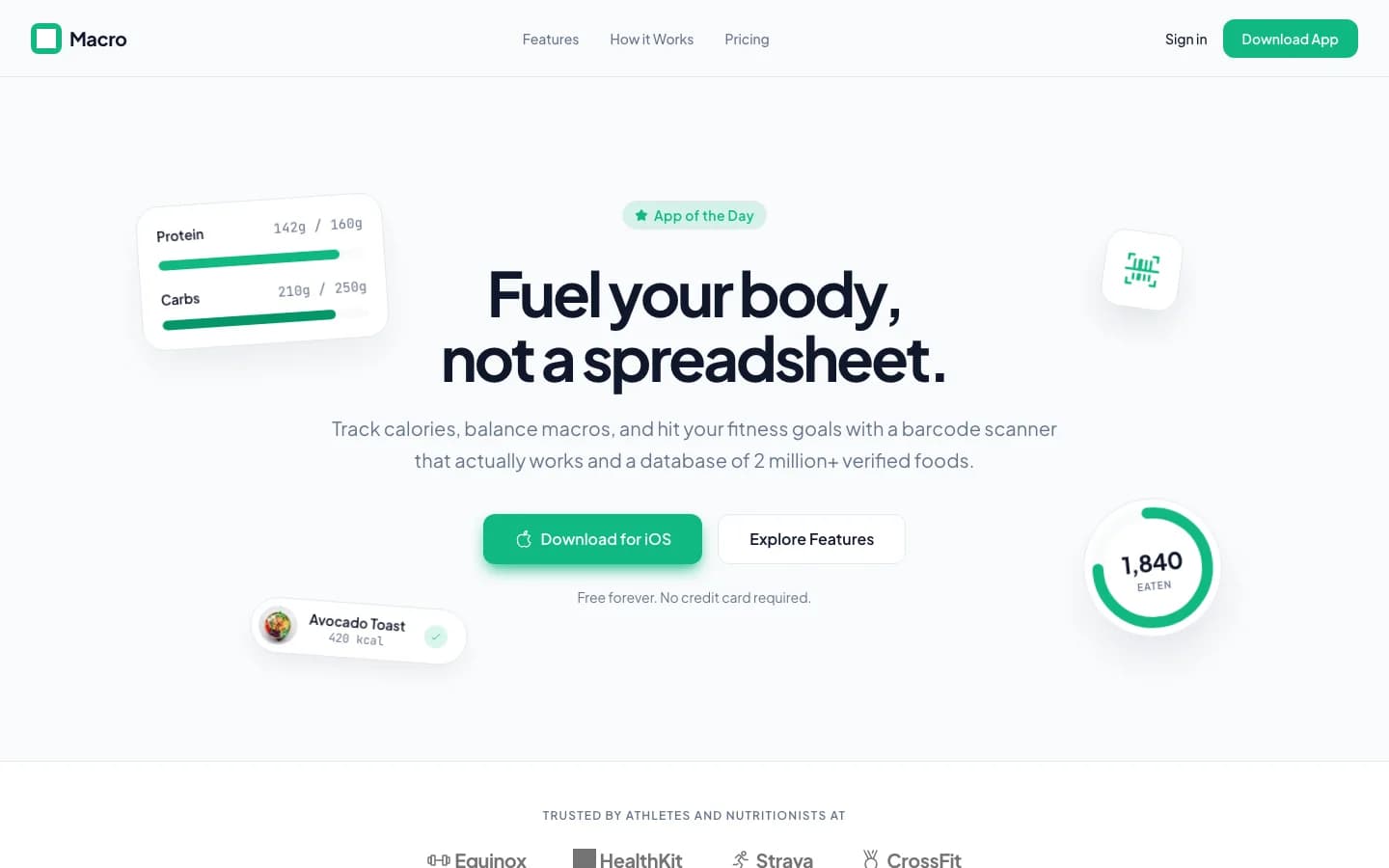
The short answer
A UI mockup is a static, high-fidelity picture of an interface: what the product will look like, before it works. An AI mockup generator creates those screens from a text prompt. Wirefraime goes a step further: the mockups are built from real HTML and Tailwind, so they stay editable on a canvas, share one design system, and can be exported as images for review or as code for implementation.
Why teams use it
Screens use plausible content, data, and states, so stakeholders react to the product rather than placeholder boxes.
Generate a whole set of mockups that share color, type, and components, ideal for pitch decks and product reviews.
Change copy, colors, or layout by clicking the element, or describe the change and let the AI apply it.
2x PNGs for slides and docs; HTML, Tailwind, or a Next.js project for engineers.
How it works
Describe the product and the screens you want to show. Add a reference image if you have a style in mind.
Wirefraime designs each screen on a shared canvas, using one design system throughout.
Refine details, then export PNGs or share a preview link with your team.
Common questions about designing with Wirefraime.
A wireframe shows structure with little visual styling; a mockup shows the final look: color, type, imagery, and real content. Wirefraime produces high-fidelity mockups by default and can generate low-fidelity wireframes when you toggle Wireframe mode.
Yes. Export any screen as a 2x PNG and drop it into slides, docs, or a landing page.
Yes. Every mockup is live HTML on a canvas. Click to edit text and styles, or ask the AI to change components across screens.
Yes. Choose Web for desktop-width screens such as landing pages, dashboards, and marketing sites, or Mobile and Tablet for app screens.
Starter is $5 month-to-month or $3/mo billed annually, with 7 screens per month. Pro is $20 month-to-month or $12/mo billed annually, with 40 screens per month. Ultra is $40 month-to-month or $24/mo billed annually, with 100 screens per month.
Start with a prompt, review the full flow, refine the details, and export when the design is ready.