Flow-first, not frame-first
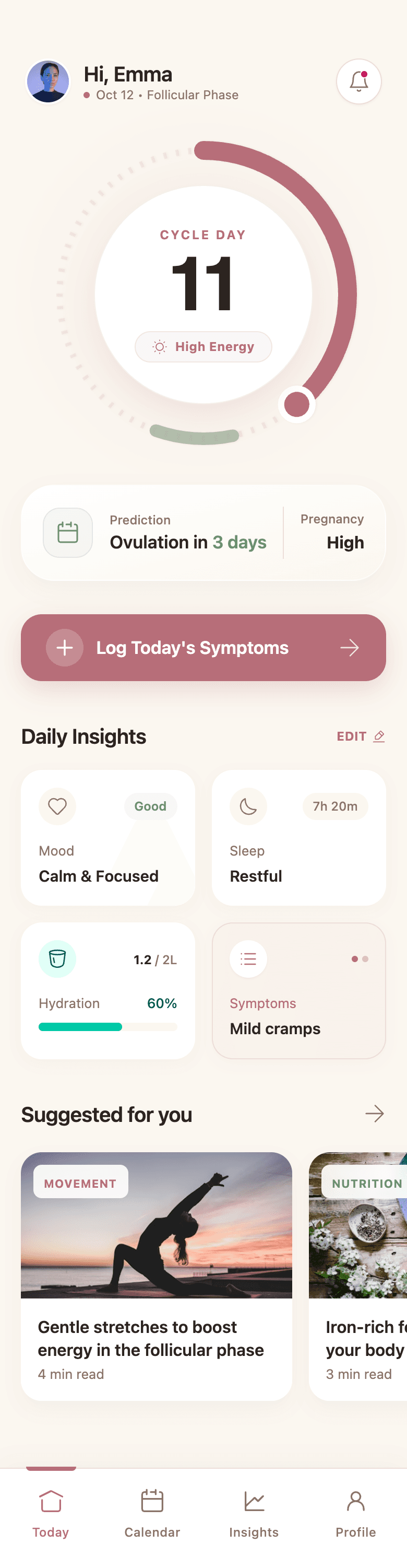
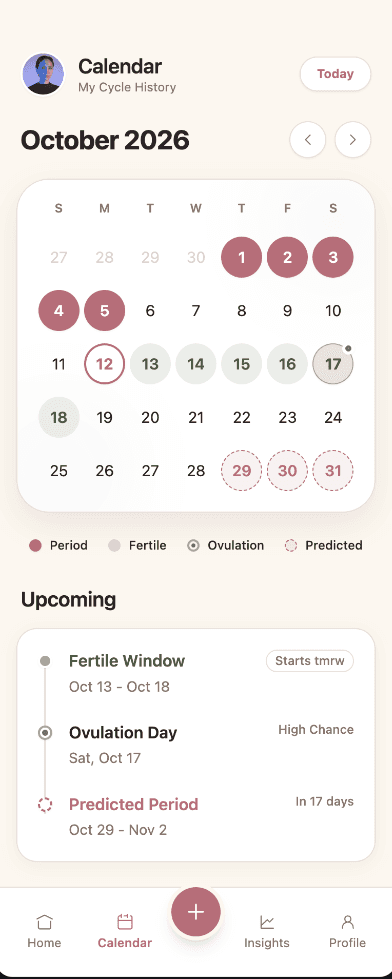
Wirefraime plans onboarding, core screens, detail views, and settings together, so the product reads as one experience.
Uizard alternative
Uizard is an established AI UI design tool with a prompt-to-design Autodesigner, templates, and collaborative editing. Wirefraime takes a different angle: one prompt becomes a planned, multi-screen flow on a single design system, exported as real HTML, Tailwind, and Next.js code.
Plans from $3/mo billed annually · Cancel any time
The short answer
Wirefraime is an AI design agent rather than a manual editor with AI features. It plans the screens your product needs, asks clarifying questions when the brief is ambiguous, generates a design system first, and then designs every screen on it. You refine by clicking elements or chatting, and you export code instead of only images. Pick Uizard if you need a free tier, unlimited viewers and commenters, or a traditional drag-and-drop editor with clickable prototypes.
Side by side
Where each tool fits, based on what each product offers publicly.
| Wirefraime | Uizard | |
|---|---|---|
| Best for | Founders, PMs, and engineers who want a full, consistent app flow and front-end code from one brief. | Teams that want a full collaborative design editor with templates and prototyping. |
| Pricing | From $3/mo billed annually; Pro $20/mo or $12/mo annually (40 screens / month). | Free plan; Pro $12/mo and Business $39/mo billed annually; Enterprise custom. |
| Free plan | Free account to explore the workspace; generation needs a paid plan. | Yes: 3 AI generations per month and 2 projects. |
| Multi-screen flows | Plans and generates connected screens as one product. | Autodesigner generates multi-screen designs from a prompt. |
| Code export | HTML, Tailwind, and full Next.js project export. | Developer handoff in CSS and React components on paid plans. |
Uizard details are taken from its public website as of October 2026 and may have changed. Check Uizard's site for current plans.
Why teams use it
Wirefraime plans onboarding, core screens, detail views, and settings together, so the product reads as one experience.
Every screen uses the same generated tokens and components, which keeps later screens and edits consistent.
Export HTML and Tailwind or a Next.js project your developers can start from.
Select any element to change it directly, or describe the change and let the agent apply it across screens.
How it works
Write a short brief or paste a reference image. Choose web, mobile, or tablet.
The agent proposes the screens and design direction, then generates them on the canvas.
Polish details, then export PNGs or code.
Common questions about designing with Wirefraime.
It is if you want an AI agent to design a complete, consistent product flow and hand you front-end code. Pick Uizard if you need a free tier, unlimited viewers and commenters, or a traditional drag-and-drop editor with clickable prototypes.
There's no direct importer. You can attach a screenshot of an existing design as a reference image, and Wirefraime uses it as visual direction for new screens.
Not today. Wirefraime exports PNG images, HTML and Tailwind, and full Next.js projects.
Starter is $5 month-to-month or $3/mo billed annually, with 7 screens per month. Pro is $20 month-to-month or $12/mo billed annually, with 40 screens per month. Ultra is $40 month-to-month or $24/mo billed annually, with 100 screens per month.
Start with a prompt, review the full flow, refine the details, and export when the design is ready.