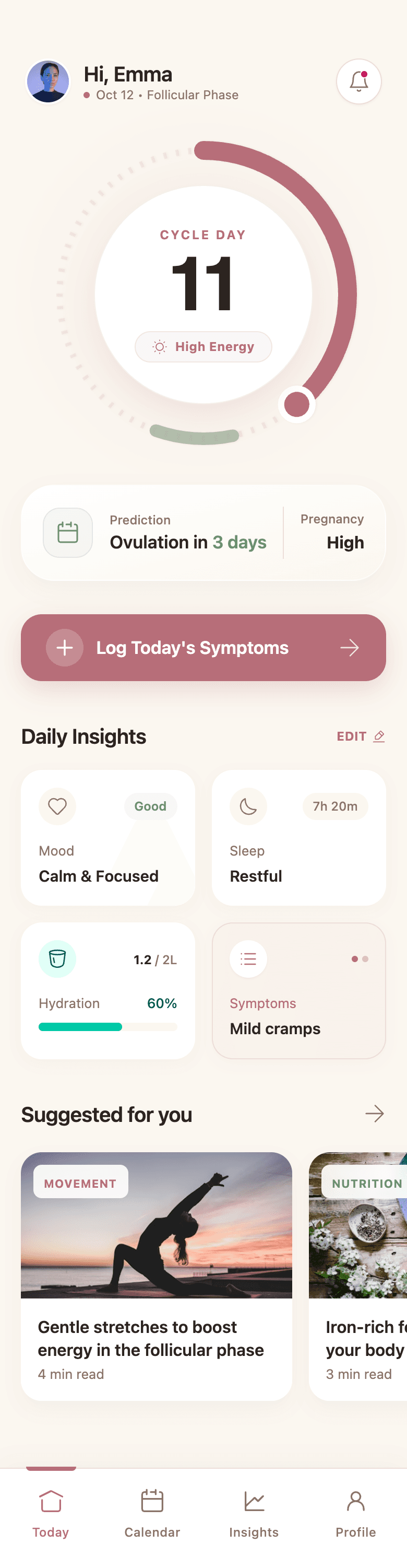
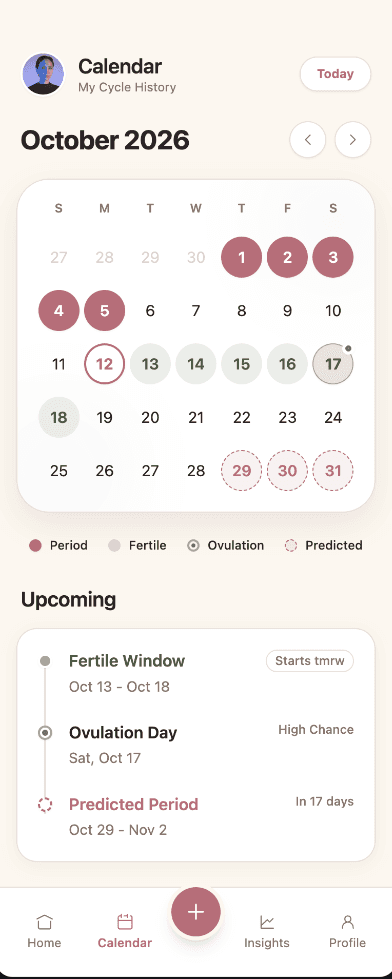
Web and mobile app screens
Generate dashboards, SaaS products, internal tools, booking flows, marketplaces, mobile apps, and landing pages from a written brief.
AI UI generator from prompt
Describe the web or mobile product you want to create. Wirefraime generates the screens, states, components, and visual system together—then lets you refine the result on canvas or through chat.
Plans from $3/mo billed annually · Cancel any time
The short answer
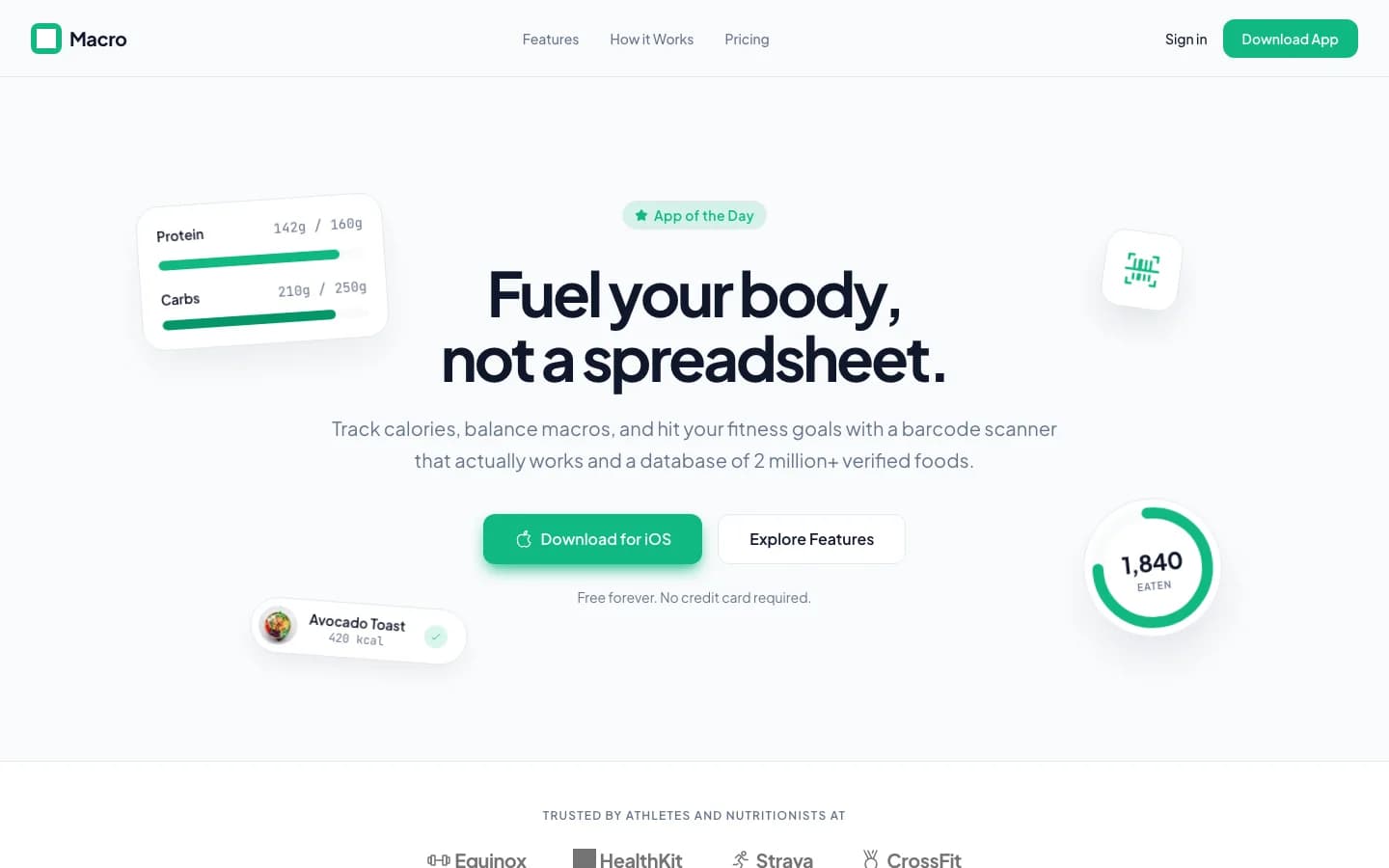
An AI UI generator converts natural-language product requirements into visual interface designs. The useful part is not producing one attractive screen; it is maintaining hierarchy, components, content, and interaction patterns across a complete experience. Wirefraime creates the UI as a connected system, so a dashboard, onboarding flow, settings screen, empty state, and error state feel like parts of the same product.
Why teams use it
Generate dashboards, SaaS products, internal tools, booking flows, marketplaces, mobile apps, and landing pages from a written brief.
Wirefraime defines reusable colors, typography, spacing, and components, then applies them across every generated screen.
Make a focused canvas edit or ask the AI to change a wider part of the flow. The existing design remains visible and editable throughout.
Download high-resolution PNGs for review or export HTML, Tailwind, and Next.js code for a faster path into implementation.
How it works
Name the audience, platform, key workflow, required screens, and any brand or style constraints.
Wirefraime plans the experience, builds a shared visual system, and renders the connected screens.
Refine content and visual choices, compare the screens as a flow, and export the approved result.
Common questions about designing with Wirefraime.
You can generate web apps, mobile apps, SaaS dashboards, onboarding flows, admin tools, booking products, landing pages, and other interface-driven products.
No. You can start with a plain-language brief and refine the result visually or through chat. Code export is available when a developer is ready to continue the work.
Yes. Wirefraime creates a design system for the project and uses its components and tokens across the generated screens.
Yes. Paid plans include HTML and Tailwind export as well as a full Next.js project export. PNG export is also included.
You can create an account and inspect the workspace for free. AI screen generation currently requires a paid plan, starting at $3 per month when billed annually.
Start with a prompt, review the full flow, refine the details, and export when the design is ready.